
DocAccess
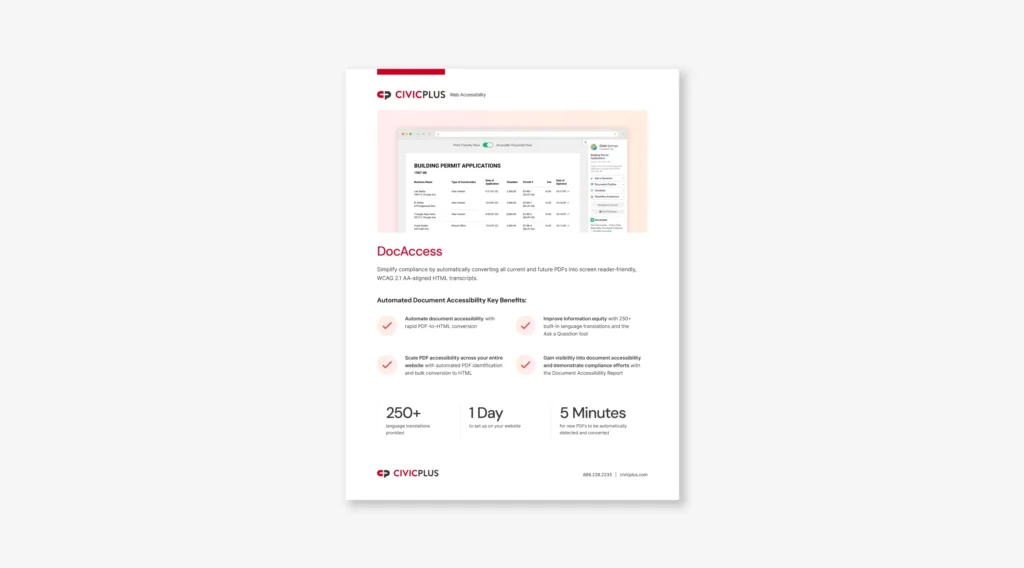
Simplify compliance by automatically converting all current and future PDFs into screen reader-friendly, WCAG 2.1 AA-aligned HTML transcripts.
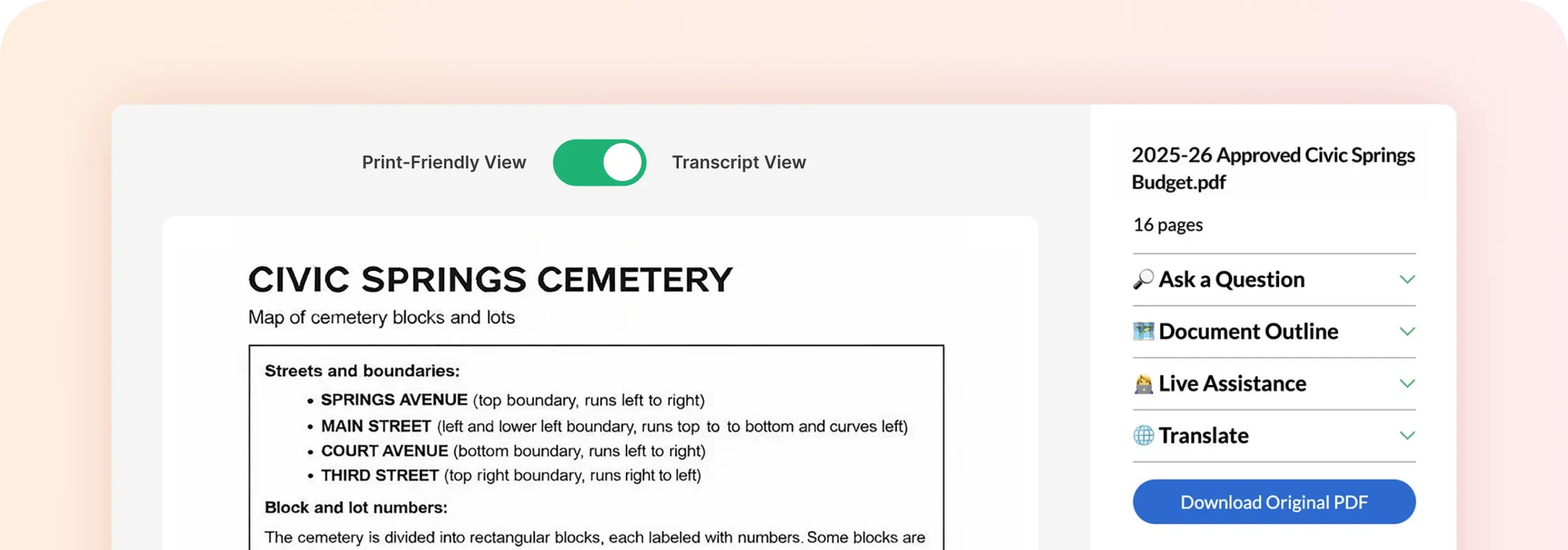
Introducing Rapidly Converted PDFs
PDF remediation can be so challenging that many local governments remove important documents from their websites simply to stay compliant. DocAccess offers a different approach.
DocAccess is an automated document accessibility solution that converts public PDFs into ADA-aligned HTML transcripts, helping municipalities align with WCAG 2.1 AA requirements with minimal effort. These screen reader-friendly transcripts are searchable, can be quickly translated into over 250 languages, and qualify as the preferred alternative format under federal guidelines.
250+ language translations provided
1 day to set up on your website
5 minutes for new PDFs to be automatically detected and converted
Curious about your return on investment with PDF accessibility software?
Calculate NowExplore Sustainable, Hands-off Document Accessibility
 Product Features

Rapidly Convert Documents to HTML Transcripts
Once DocAccess is activated, new and existing PDF documents on your website automatically open in the mobile-friendly DocAccess view. Residents can use the print-friendly version of the HTML transcript, which includes detailed alt text for images.
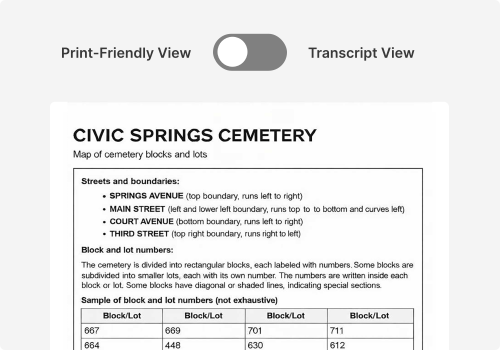
Align Tricky Documents to WCAG 2.1 AA Standards
DocAccess is built for the complexity and range of government documentation. Use it to convert your most difficult PDFs, including:
- Historical and handwritten documents
- Complex RFPs with diagrams and decision trees
- Comprehensive financial audits
- Multi-column brochures with scanned maps
- Scanned legal documents and budgets with handwritten signatures
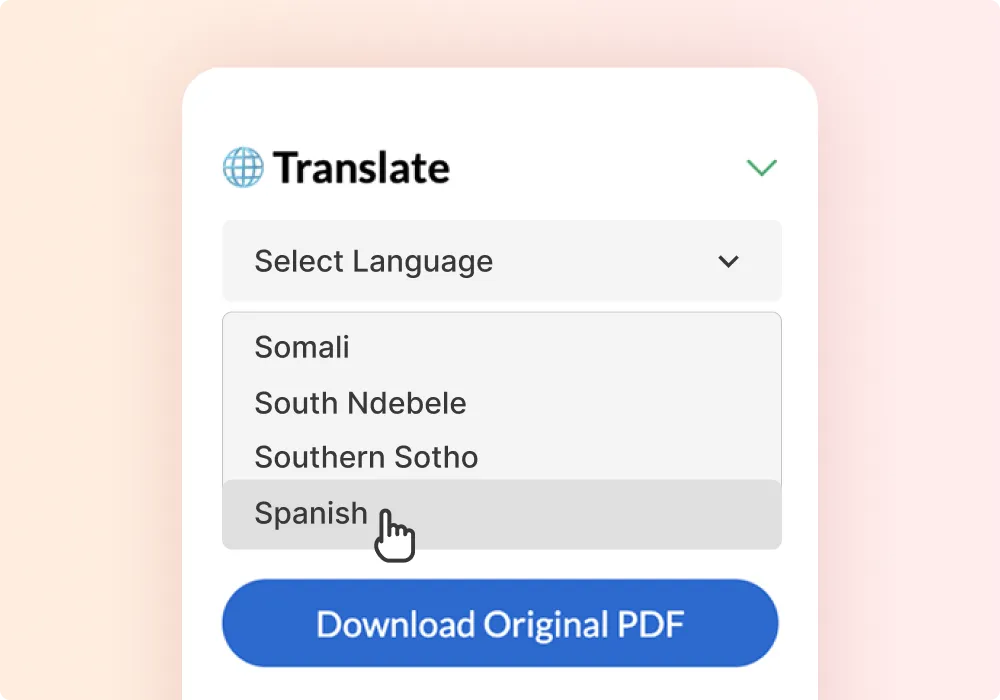
Translate to 250+ Languages
More than 250 built-in language translations can be applied to the HTML transcript with one click. Translations also apply to DocAccess features, including the Ask a Question Tool.
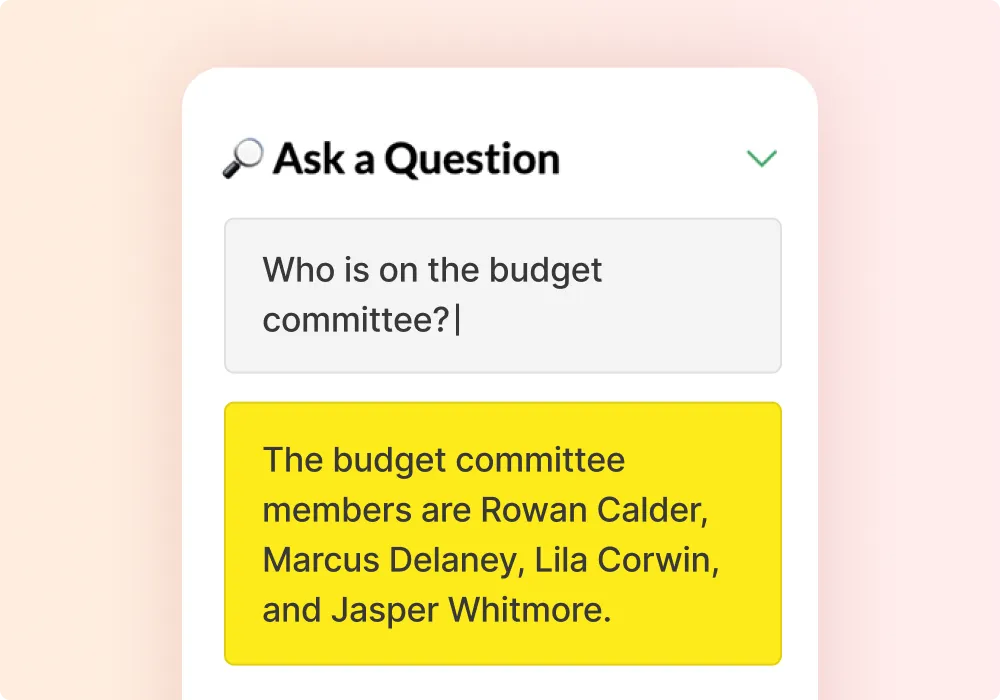
Ask a Question Tool
Built-in Q&A functionality empowers residents to engage with your document. When residents enter a direct question, DocAccess quickly returns an answer and highlights the relevant section on the page.
Connect to a Live Visual Interpreter
DocAccess offers live assistance through our partnership with Aira, the world’s leading visual interpreting platform. We offer 30 minutes of free assistance per resident, helping community members receive live support without cost barriers.
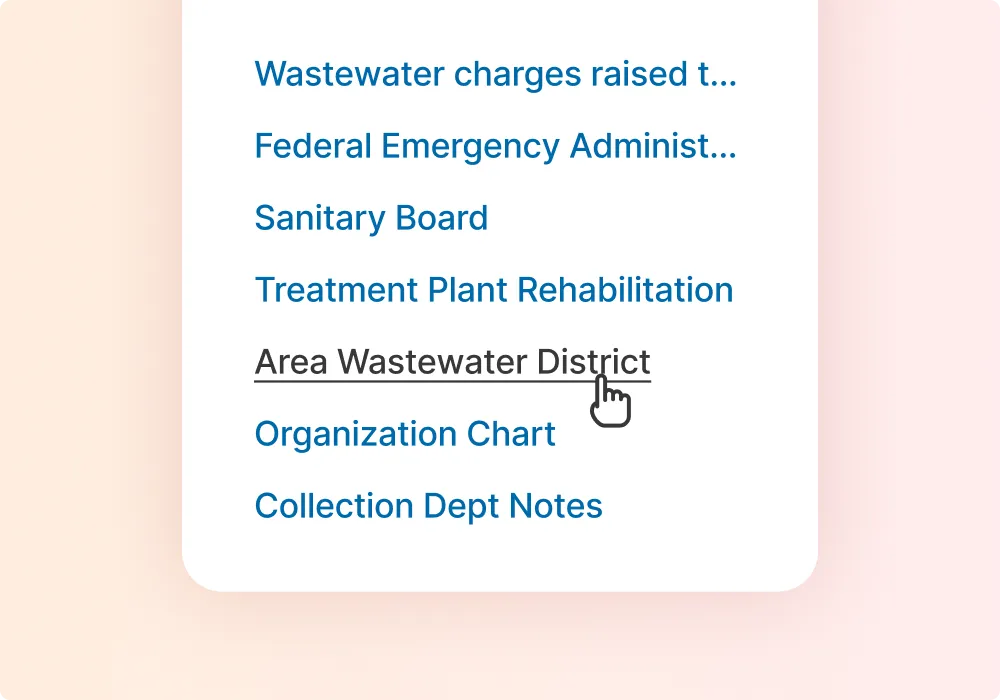
Document Outline for Easy Navigation
DocAccess generates an interactive document outline, so residents can quickly jump between sections. It minimizes scrolling, aligns to ADA requirements, and makes lengthy documents easier to navigate for everyone.
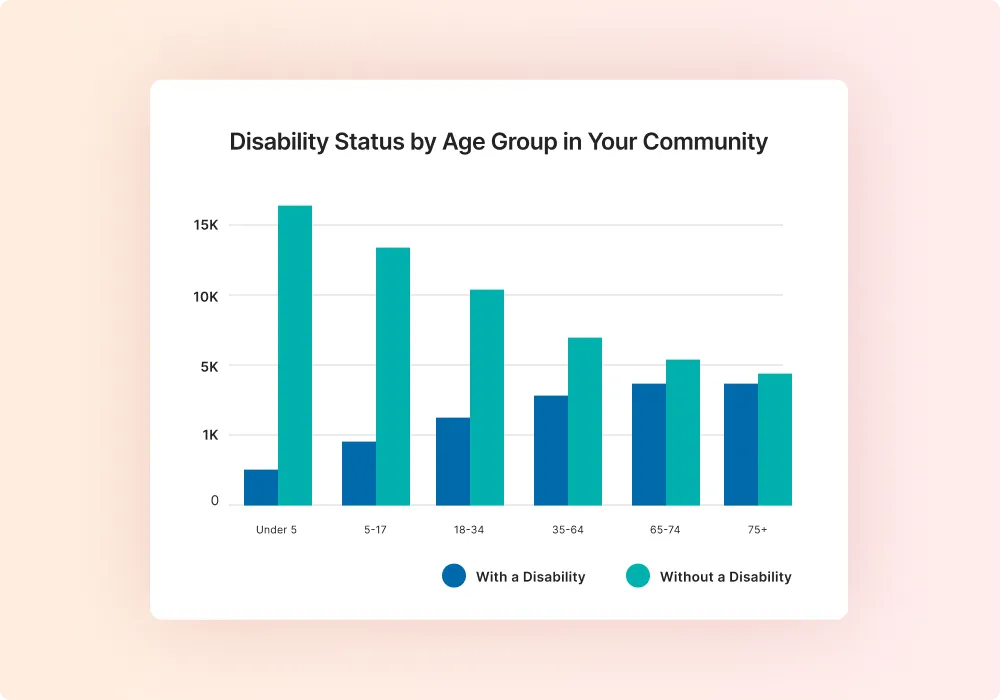
Document Analytics
Explore built-in reporting on the total number of PDF documents made accessible by DocAccess and top accessibility issues found, providing visibility into overall accessibility progress and opportunities for proactive improvement.
Ready to Convert PDFs Quickly?
Let's TalkHow It Works
From automatic PDF conversions to instant language translations, we are changing the game for PDF accessibility.
Watch Now
What Our Customers Are Saying
-
Read the Case

Peter Masonis
Public Relations Manager, City of Rogers, AR


Explore Related Products
Explore other products related to DocAccess.

Municipal WebsitesImprove engagement and communication with a world-class website. Learn More

AudioEyeImprove web compliance with hands-off accessibility and remediation that combines automated fixes, expert audits, and continuous monitoring. Learn More
Acquia Web GovernanceImprove overall website health with targeted insights and recommendations for accessibility issues, website performance, and quality assurance. Learn More
Frequently Asked Questions (FAQs) About DocAccess
How are PDF pages converted into HTML transcripts?
We utilize optical character recognition (OCR), advanced image processing, and proprietary AI-trained models to create transcripts of PDF files. Complex pages undergo additional human review by accessibility specialists at no extra cost to confirm accuracy.
What accessibility standards does DocAccess follow?
How is accessibility supported for residents with disabilities?
What if I have really complex PDFs with maps, diagrams, budgets, and/or handwriting?

Web Accessibility
Ready for a stress-free approach to PDF accessibility?
It’s the instant, seamless transformation of every document on your website into an accessible format. That’s obviously the main value.